
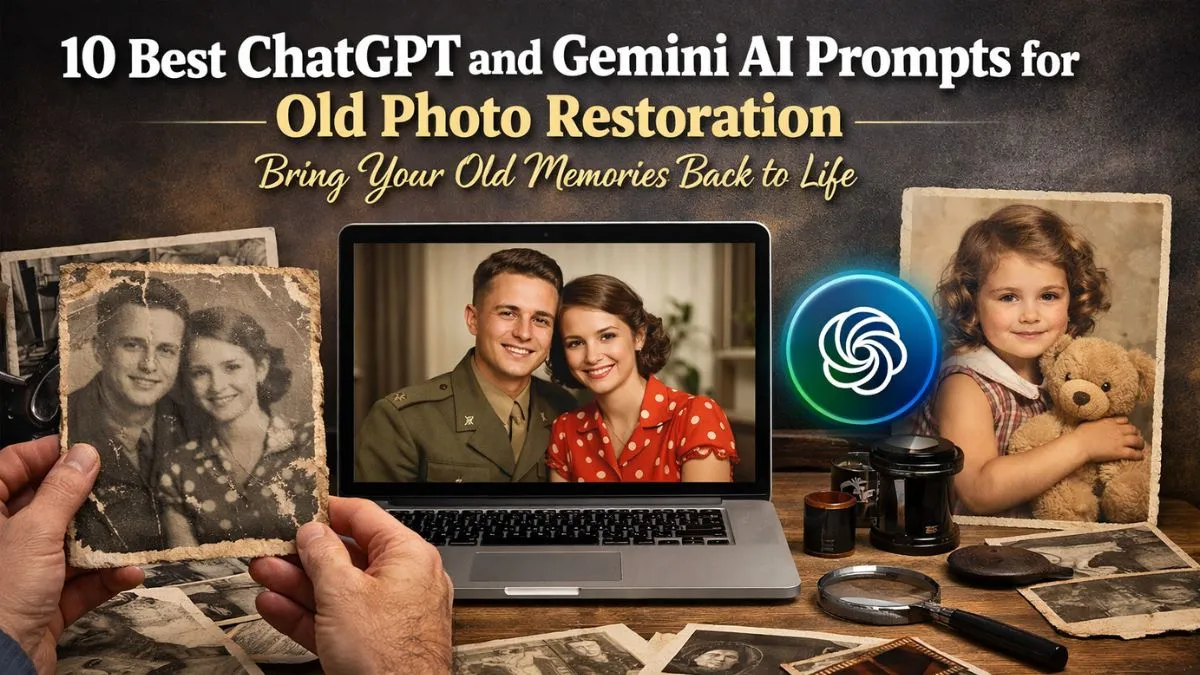
Old photographs are more than just images. They hold family stories, memories, and moments from the past. Many people have photo albums filled with pictures that are faded, scratched, torn, or blurry. Over time, paper photos can lose their quality due to dust, sunlight, or poor storage. In the past, fixing these photos required expensive software or professional restoration services. Today, artificial intelligence tools have made the process much easier for everyone.
Tools powered by AI can now repair damaged photos, improve image quality, and even add missing details. Two powerful tools people often use are ChatGPT and Gemini. These tools help users create smart prompts that guide photo editing AI tools to repair old images. With the right prompts, you can remove scratches, improve colors, sharpen faces, and restore the beauty of old photos. In this article, we will explore ten helpful AI prompts that can help bring your old memories back to life.
1. Prompt to Remove Scratches and Dust
Many old photos have small scratches, dust spots, or marks. These marks appear when photos are stored for a long time or handled often. AI tools can remove these unwanted marks and make the photo look clean again.
Example Prompt:
“Restore this old photograph by removing scratches, dust spots, and small damage marks. Keep the original look while improving the clarity and sharpness of the image.”
This prompt tells the AI to clean the photo without changing its natural appearance. It helps preserve the authenticity of the picture while making it look fresh and clear.
2. Prompt to Fix Faded Colors
Old photos often lose their colors over time. Colors become dull, pale, or uneven because of age and sunlight. AI tools can rebuild the colors and make the photo look vibrant again.
Example Prompt:
“Enhance this old photograph by restoring faded colors. Improve brightness, contrast, and color balance while keeping the photo natural and realistic.”
This prompt helps the AI rebuild the original color tone. The result is a brighter photo that still looks natural.
3. Prompt to Sharpen Blurry Images
Many vintage photos look blurry because of old cameras or scanning issues. AI can sharpen the details and make faces and objects clearer.
Example Prompt:
“Improve the sharpness of this old photo. Reduce blur and enhance facial features and important details while keeping the original style.”
This prompt helps bring out small details like eyes, hair, clothing, and background objects.
4. Prompt to Repair Torn or Damaged Photos
Some photos may have torn edges or missing sections. AI tools can reconstruct damaged areas using nearby details from the image.
Example Prompt:
“Repair the torn or damaged parts of this photo by filling missing areas and rebuilding the image naturally.”
This prompt works well for restoring valuable family photos that have physical damage.
5. Prompt to Improve Lighting and Exposure
Older photos often have poor lighting or dark shadows. AI tools can balance brightness and exposure.
Example Prompt:
“Adjust the lighting in this photo by improving brightness and exposure. Make the image clear while maintaining natural tones.”
This prompt helps create a balanced photo where faces and objects are easy to see.
6. Prompt to Restore Black and White Photos
Black and white photos are beautiful but sometimes look dull or flat. AI can improve their contrast and detail.
Example Prompt:
“Enhance this black and white photograph by improving contrast, clarity, and detail while preserving the vintage look.”
This prompt keeps the classic feel of old photographs while improving image quality.
7. Prompt to Colorize Black and White Photos
One exciting feature of modern AI tools is the ability to add color to black and white photos. This can make old memories feel more real and alive.
Example Prompt:
“Add natural and realistic colors to this black and white photo while keeping skin tones and background colors accurate.”
This prompt helps create a colored version of the photo without making it look artificial.
8. Prompt to Improve Facial Details
In many old photos, faces may appear soft or unclear. AI can enhance facial features while keeping the person recognizable.
Example Prompt:
“Enhance facial details in this old photograph by improving clarity, skin texture, and expression while keeping the original identity.”
This prompt is helpful for family portraits or group photos.
9. Prompt to Upscale Low-Resolution Photos
Some old images have very low resolution, especially if they were scanned from small prints. AI can increase resolution and improve details.
Example Prompt:
“Upscale this photo to higher resolution and improve clarity so it looks sharp and detailed even on larger screens.”
This prompt is useful if you want to print the photo again or use it digitally.
10. Prompt to Create a Clean Digital Version
Sometimes you may want to fully convert an old photo into a clean digital version while preserving its historical feel.
Example Prompt:
“Restore this vintage photograph into a clean digital image by fixing damage, improving colors, and enhancing clarity while keeping the original style.”
This prompt combines several restoration techniques into one process.
Why AI Photo Restoration Is Becoming Popular
AI photo restoration has become popular because it is fast, simple, and accessible. In the past, only professional editors with advanced software could repair damaged photos. Now, anyone with basic knowledge of AI prompts can restore pictures in minutes.
Another reason people enjoy AI restoration is the emotional value. Old photos remind us of our grandparents, childhood moments, family events, and historical times. Restoring these photos helps keep memories alive for future generations.
AI tools also make it easier to share restored photos with family members online. Many people scan their photo albums and improve the images using AI before saving them digitally. This protects the memories from physical damage.
Tips for Getting the Best Results
To get the best results, it is important to use clear prompts. The more details you include in your prompt, the better the AI understands what you want.
You should also start with a high-quality scan of the photo if possible. Scanning at a higher resolution gives the AI more details to work with.
Another helpful tip is to test different prompts. Sometimes small changes in wording can improve the final result. Many users try multiple prompts until they find the best version of the restored photo.
Conclusion
Old photographs are priceless treasures that connect us to our past. They show moments that cannot be repeated and people who may no longer be with us. Unfortunately, time can damage these precious images through fading, scratches, tears, and blurriness. Thanks to modern AI tools, restoring these photos is now easier than ever before.
By using smart prompts with ChatGPT and Gemini, anyone can repair old pictures, enhance colors, sharpen details, and even add new life to black and white photos. These prompts act like simple instructions that guide AI tools to understand exactly what changes are needed.
Whether you want to fix a small scratch or completely restore a vintage family portrait, the right prompt can make a big difference. With these ten prompts, you can begin restoring your old photos and preserving your family memories for many years to come.
FAQs
1. What is AI photo restoration?
AI photo restoration is the process of using artificial intelligence tools to repair damaged photos, improve clarity, fix colors, and restore missing details.
2. Can AI really fix very old photos?
Yes. AI can repair many common problems such as scratches, faded colors, blur, and low resolution, depending on the condition of the photo.
3. Is it safe to digitize old family photos?

Yes. Digitizing photos helps protect them from physical damage and allows families to preserve memories for future generations.