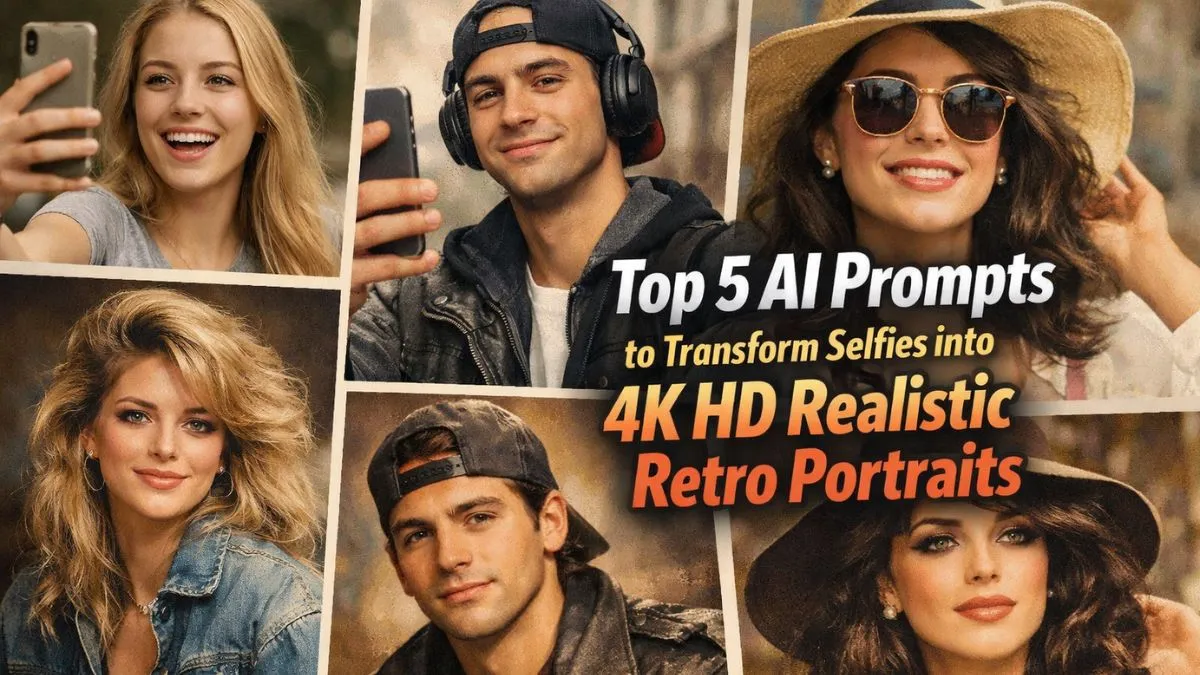
Selfies have become a major part of our daily lives. Everyone loves taking a good selfie, whether it’s to capture a fun moment, show off a new look, or just share memories with friends. But what if you could Transform Selfies into 4K HD retro portrait that looks like it came straight from a movie? Thanks to Google Gemini AI, this is now possible.
With the right AI prompts, you can transform your selfies into realistic, high-quality retro-style images that are both creative and fun. In this article, we’ll explore the top 5 fresh prompts you can use today to create amazing 4K HD portraits that feel like they belong in another era.
1. Classic Film Noir Look
Film noir is a style from old detective movies, often featuring dramatic shadows and a mysterious vibe. Using this prompt with Google Gemini AI, you can turn your selfie into a moody, black-and-white portrait with striking lighting. The AI will enhance contrast and texture, giving your photo a cinematic feel.
Prompt example: “Transform my selfie into a 1940s film noir portrait with high-contrast black-and-white tones, dramatic shadows, and vintage lighting in 4K HD.”
This prompt is perfect for people who want their selfies to look bold and mysterious. It’s like stepping into a classic movie scene, with a touch of elegance and drama.
2. Retro 80s Vibes
The 1980s were known for their bright colors, neon lights, and bold fashion. With the right AI prompt, your selfie can be transformed into a colorful retro portrait that captures the energy and style of this iconic decade.
Prompt example: “Turn my selfie into a retro 80s-style portrait with neon colors, glowing lights, vintage clothing, and high-definition details in 4K.”
This style is perfect for those who love playful, energetic looks. It brings back a fun era while keeping your portrait modern and sharp in 4K HD.
3. Vintage Polaroid Effect
Nothing says retro like a Polaroid photo. This prompt gives your selfie a soft, nostalgic feel, as if it were snapped on a classic instant camera. The AI will add subtle color shifts, soft edges, and a slightly faded effect, making the image feel timeless.
Prompt example: “Convert my selfie into a vintage Polaroid-style portrait with faded colors, soft edges, and a nostalgic retro look in 4K HD.”
The Polaroid effect is ideal for anyone who loves a gentle, warm aesthetic. It’s perfect for social media posts, profile pictures, or even printing your portrait for display.
4. Retro Comic Book Style
Comic books have a unique, exaggerated art style that is both playful and dramatic. This prompt transforms your selfie into a retro comic book portrait with bold lines, bright colors, and dynamic shading. It’s like stepping into a superhero story.
Prompt example: “Transform my selfie into a retro comic book portrait with bold outlines, vibrant colors, and high-detail shading in 4K HD.”
This style works well for those who want a fun, creative, and slightly whimsical version of themselves. It also makes your selfies stand out with a cool, animated vibe.
5. 70s Glam Portrait
The 1970s were full of glamour, with soft lighting, earthy tones, and stylish fashion. With this prompt, you can create a selfie portrait that captures the essence of this era, complete with warm colors, smooth textures, and a realistic look.
Prompt example: “Convert my selfie into a 1970s glam portrait with warm earthy tones, soft lighting, retro fashion, and realistic 4K HD detail.”
This prompt is perfect for a chic and elegant retro look. It’s ideal for anyone who wants to give their selfies a classic, timeless charm while still feeling modern.
Tips for Using AI Prompts Effectively
- Be Specific – The more details you give the AI, the better the output. Include things like lighting, color tones, and style references.
- Experiment – Don’t be afraid to try different eras or art styles. Sometimes the best results come from mixing prompts.
- High-Resolution Settings – Always set the AI to 4K HD to ensure your portrait looks sharp and detailed.
- Personal Touch – Add your own accessories or fashion notes to make the portrait feel more like you.
- Multiple Versions – Generate multiple images with slight variations to pick the best one.
Why Retro Portraits Are So Popular
Retro-style portraits are more than just a trend. They combine nostalgia, creativity, and modern technology to give ordinary selfies an extraordinary feel. People love these portraits because they:
- Capture a timeless aesthetic
- Stand out on social media
- Make unique profile pictures or gifts
- Offer fun ways to experiment with different looks and eras
Using AI to create these portraits allows anyone to explore artistic styles without needing advanced photography or editing skills. You get high-quality, realistic results in minutes.
Final Thoughts
Google Gemini AI has made it easy for anyone to turn a simple selfie into a high-quality, retro-inspired 4K portrait. By using these top 5 fresh prompts, you can create portraits that range from mysterious film noir vibes to colorful 80s nostalgia. Whether you want to impress friends, enhance your social media presence, or just have fun experimenting with art, these prompts are a great place to start.
So grab your favorite selfie, pick a prompt, and watch the magic happen. With AI, your everyday selfies can become extraordinary works of art.
FAQs
1. What is Google Gemini AI?
Google Gemini AI is an advanced tool that uses artificial intelligence to transform images, like selfies, into highly detailed and realistic portraits.
2. Can I create 4K HD portraits with my phone selfies?
Yes! These prompts allow AI to enhance even smartphone selfies into high-quality 4K HD portraits.
3. Which retro style is best for beginners?

The Polaroid effect is easy to start with and gives a soft, nostalgic look without complicated details.
4. Do I need special software to use these prompts?
No special software is required. You just need access to Google Gemini AI and your selfie image.
5. Can I customize the AI prompts?
Absolutely! You can adjust colors, lighting, and style details to match your personal preferences and creativity.