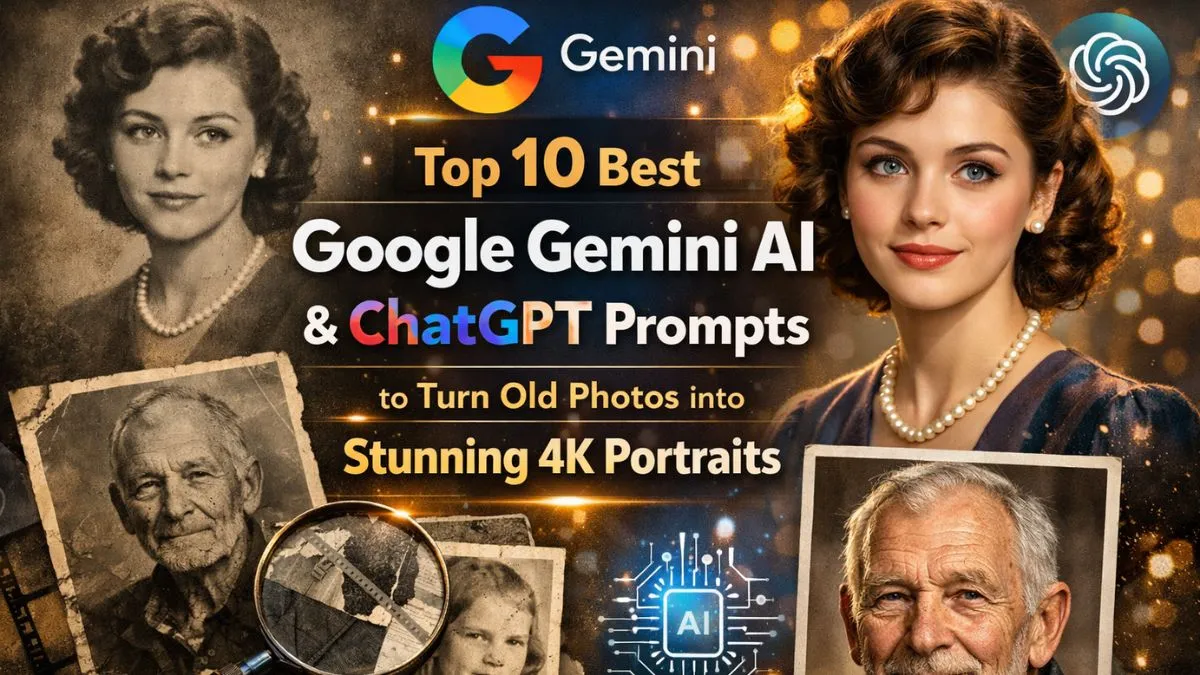
Old photos carry memories, but sometimes they look faded, blurry, or outdated. Thanks to AI tools like Google Gemini AI and ChatGPT, you can now bring old pictures back to life in stunning 4K ultra HD quality.
These smart tools let you enhance, colorize, and improve details in a photo, making it look brand new. This guide will show you the top 10 best prompts you can use to convert your old photos into modern, high-quality portraits.
Whether it’s a family picture, an old selfie, or a historic photo, these AI prompts make it easy to get realistic results that look professional.
Top 10 Google Gemini AI and ChatGPT Prompts for Converting Old Photos
1. “Restore and Enhance Vintage Photos”
This prompt focuses on fixing old photos by reducing noise, sharpening details, and improving clarity. Google Gemini AI can detect faded areas, torn edges, or scratches and automatically restore them. When paired with ChatGPT, you can describe the specific restoration style you want, like “brighten the colors but keep a natural look.” Using this prompt gives your old photos a fresh, modern appearance while keeping their original charm intact.
2. “Colorize Black and White Photos in Ultra HD”
Many old photos are black and white. This prompt asks the AI to colorize them realistically. You can specify skin tones, clothing colors, and background details. Google Gemini AI excels in analyzing textures and natural hues, while ChatGPT can help generate instructions to make sure the colors look natural and not exaggerated. The result is a vivid, life-like 4K portrait that feels real.
3. “Enhance Facial Features and Expressions”
Old photos often lose detail in faces. With this prompt, the AI focuses on improving facial features like eyes, lips, and smiles. You can instruct it to keep expressions authentic while enhancing details. Google Gemini AI can detect subtle shadows and highlights, while ChatGPT helps refine the prompt to produce sharper and more realistic portraits. This is perfect for family photos where facial clarity is important.
4. “Transform Old Group Photos into 4K Ultra HD”
Group photos can be tricky because there are multiple faces and background elements. This prompt tells the AI to enhance every face and object individually while keeping the overall balance. Google Gemini AI can enhance each subject without changing the natural look of the photo. ChatGPT can be used to specify whether you want a casual look or a more formal style, making it ideal for reunions or historical photos.
5. “Add Modern Backgrounds to Old Portraits”
If you want to refresh the photo completely, this prompt allows you to replace or enhance the background. Google Gemini AI can separate the subject from the old background and integrate a new modern setting. ChatGPT prompts can guide it to create natural, realistic backgrounds like parks, cities, or simple neutral tones. This gives your photo a contemporary feel while keeping the original subject intact.
6. “Remove Scratches, Dust, and Damage”
Old photos often have scratches, dust, or tears. Using this prompt, the AI focuses solely on cleaning the image. Google Gemini AI uses smart algorithms to detect imperfections, while ChatGPT helps fine-tune instructions to maintain photo authenticity. It’s perfect for precious photos with sentimental value, giving them a brand-new appearance without altering the original vibe.
7. “Sharpen and Upscale Old Photos to 4K”
This prompt tells the AI to increase resolution while preserving details. Google Gemini AI can intelligently upscale low-resolution images to 4K quality, making them ready for printing or digital display. ChatGPT can help guide the prompt to prevent over-sharpening, keeping the portrait natural. This is useful for enlarging photos for framing or creating high-quality digital archives.
8. “AI Artistic Style Transformation”
For a creative touch, this prompt allows AI to enhance old photos with a subtle artistic style, like oil painting or soft-focus effects. Google Gemini AI enhances details and ChatGPT can help guide the aesthetic style. This is ideal for turning cherished old photos into gallery-quality artwork while maintaining recognizability.
9. “Restore Color Fading in Old Photos”
Over time, colors fade, leaving images dull. This prompt tells the AI to identify and restore original colors accurately. Google Gemini AI can analyze skin tones, clothing, and environment, while ChatGPT prompts can adjust saturation and vibrancy levels. This prompt is great for preserving family memories while giving the photo a lively and fresh appearance.
10. “Enhance Lighting and Shadows for Realism”
Lighting often changes over decades, making old photos appear flat. This prompt tells the AI to adjust lighting and shadows for a natural, realistic look. Google Gemini AI handles the technical enhancement, and ChatGPT helps craft a prompt to balance highlights and shadows for professional results. This gives the photo depth, making it look like it was captured with modern cameras.
Tips for Best Results Using Google Gemini AI and ChatGPT
- Use Clear Descriptions: Be specific about colors, lighting, and style. The clearer your instructions, the better the AI results.
- Combine Multiple Prompts: Sometimes, using two or more prompts together can produce superior results. For example, first restore the photo, then colorize it.
- Preview Before Finalizing: Always check AI outputs before saving the final version. Minor adjustments in ChatGPT prompts can improve results.
- Maintain Original Authenticity: Avoid over-editing; the goal is to enhance the photo, not change the memory.
- Use High-Resolution Scans: The better the original photo quality, the better the AI can process and upscale it.
FAQs
Q1: Can AI really make an old photo look brand new?
Yes, AI tools like Google Gemini AI and ChatGPT can restore clarity, color, and detail in old photos, making them look almost like new.
Q2: Do I need technical skills to use these prompts?
Not really. The prompts are easy to follow, and AI tools are designed to simplify the process for beginners.
Q3: Can AI colorize black and white photos realistically?

Absolutely. AI analyzes textures and lighting to add natural colors, creating lifelike results.
Q4: Will using AI damage the original photo?
No. AI works on a digital copy, keeping your original photo safe.
Q5: Can I print AI-enhanced photos in large formats?
Yes. Prompts like upscaling to 4K ultra HD ensure high-quality images suitable for printing and framing.